 |
Augmented Network GEnerating Learning for Safety |
Quick start guide
This is a brief guide on all the features of the ANGELS Mobile Client.
Introduction
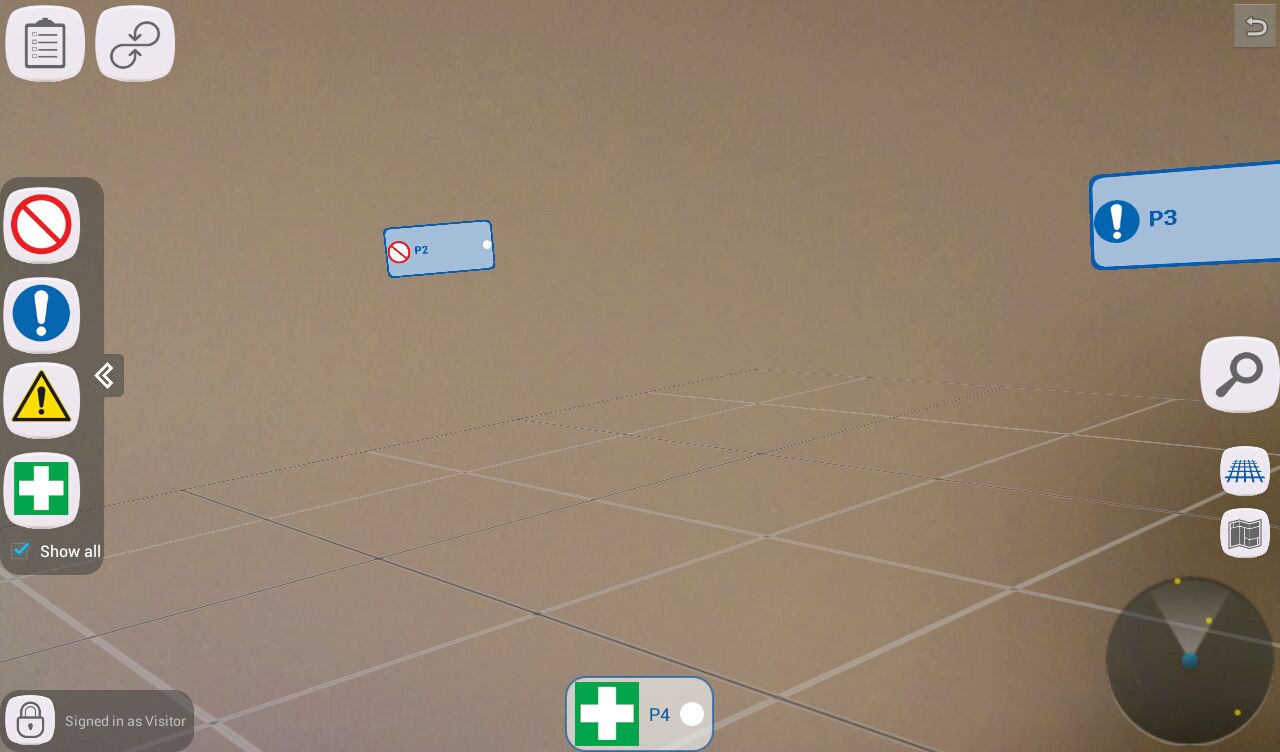
Before starting the discussion of the features of the ANGELS Mobile Client, it is useful to describe the main entities which the operator must interact with
during the application usage.
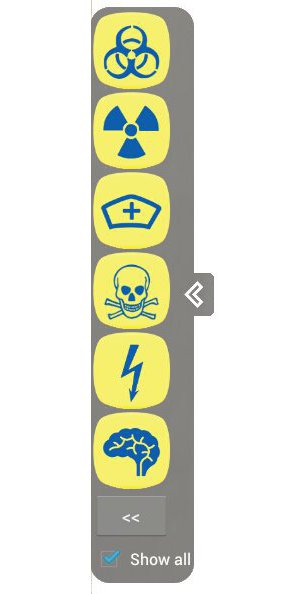
- TAGS Categories
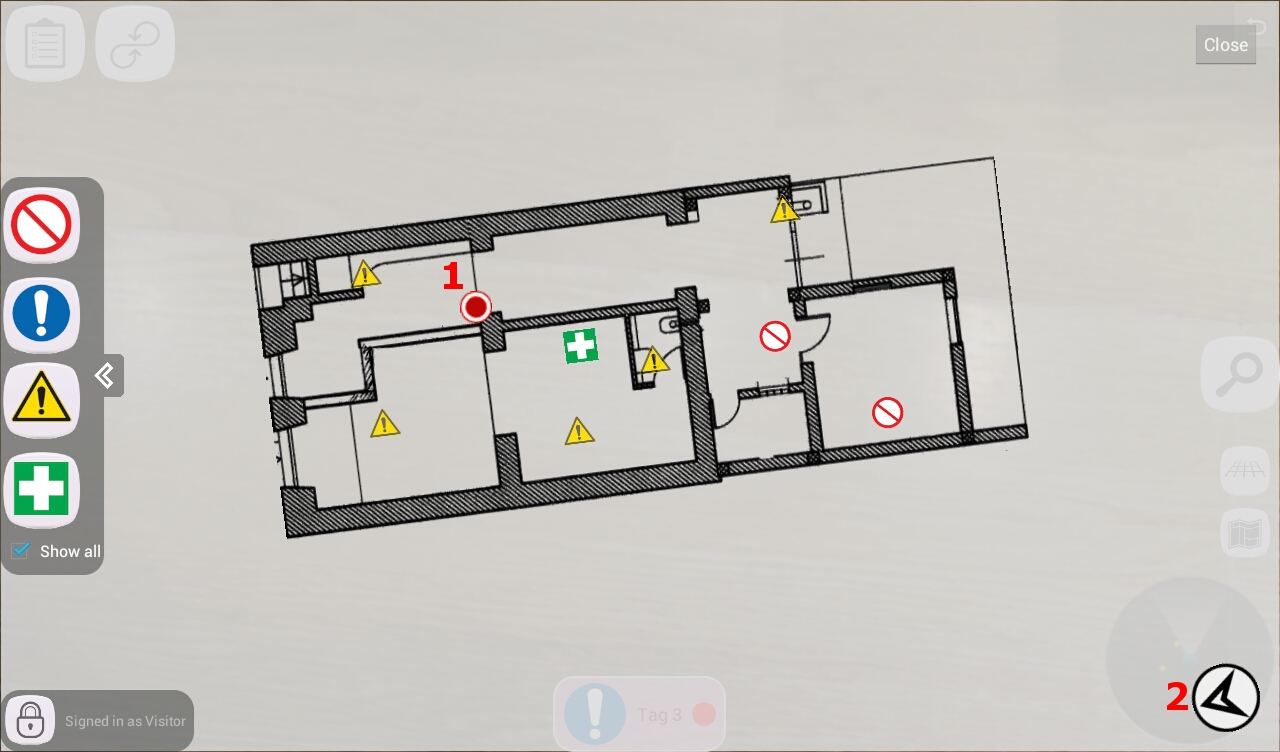
- TAGS: A TAG is a representation of a certain risk, prohibition, emergency or obligation which is related to a specific environment.
A TAG is inserted in a specific location inside a department and each operator responsible for it must attend and follow instructions on how to handle it.
Welcome panel
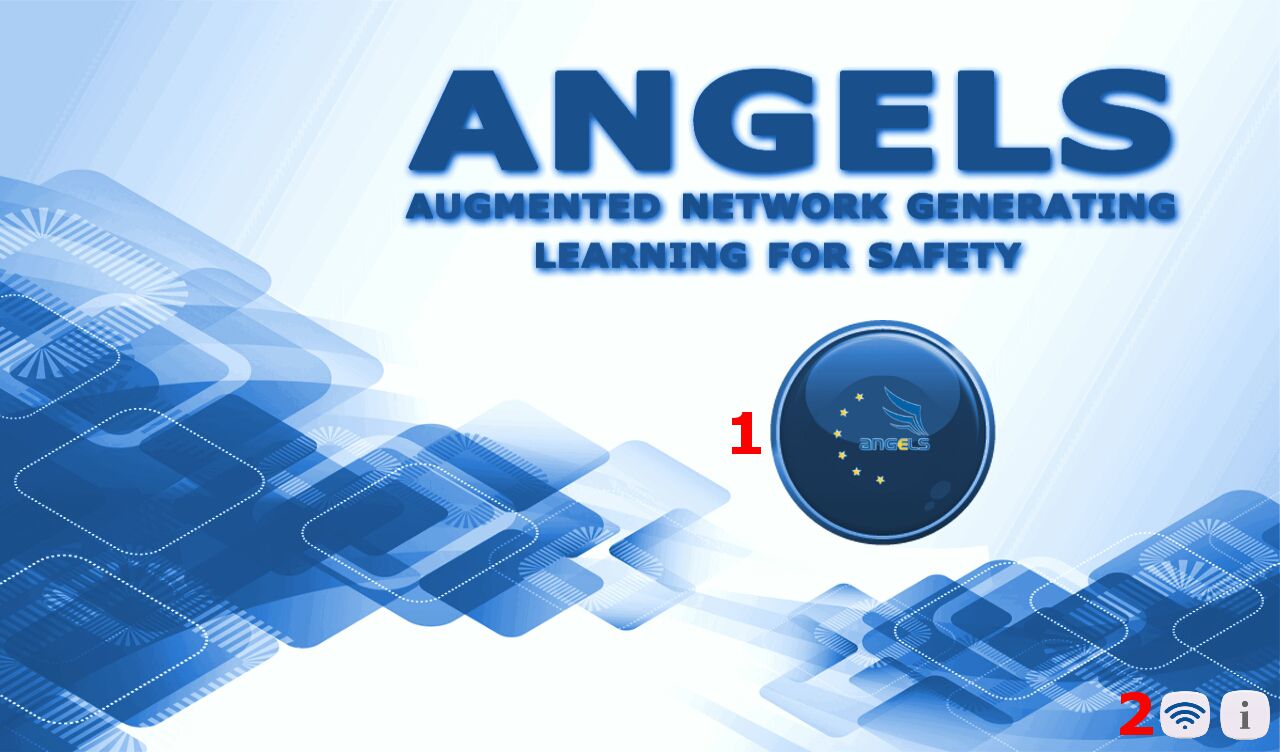
- Entry point for the application
- Switch to offline/online mode
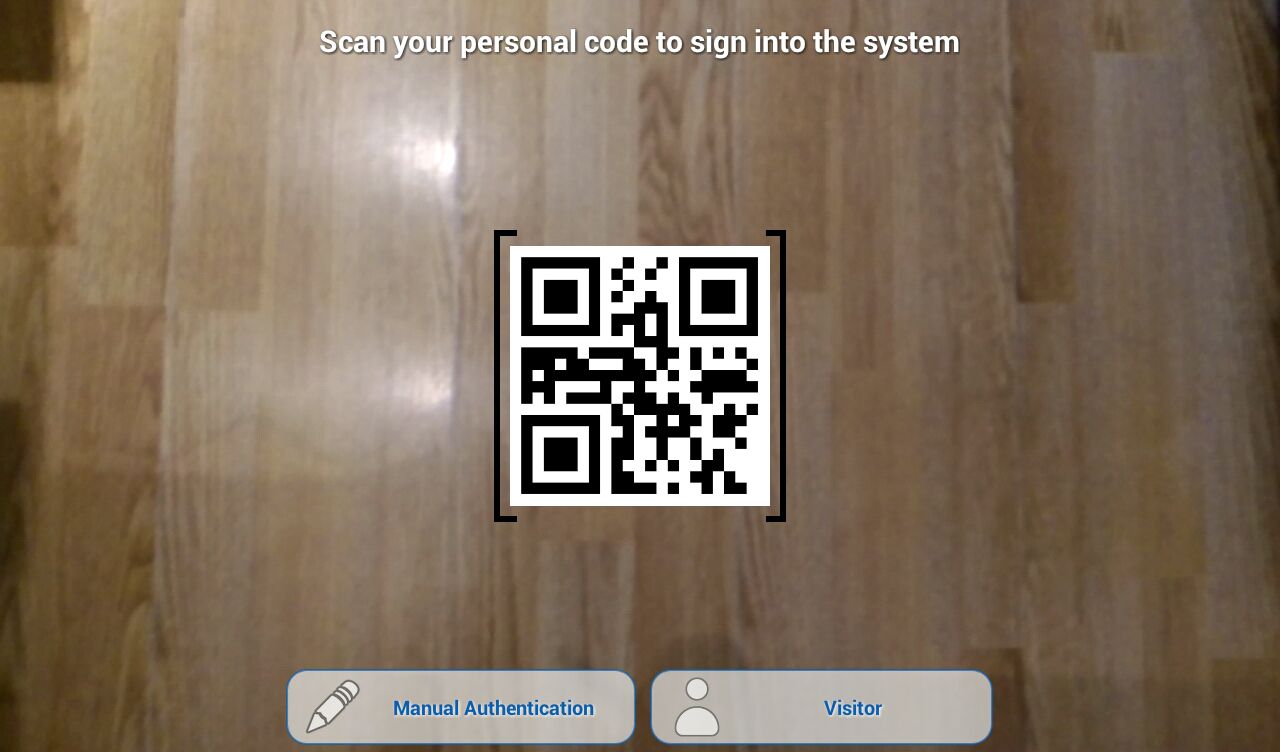
Operator Authentication
This is the first action that an operator must do.
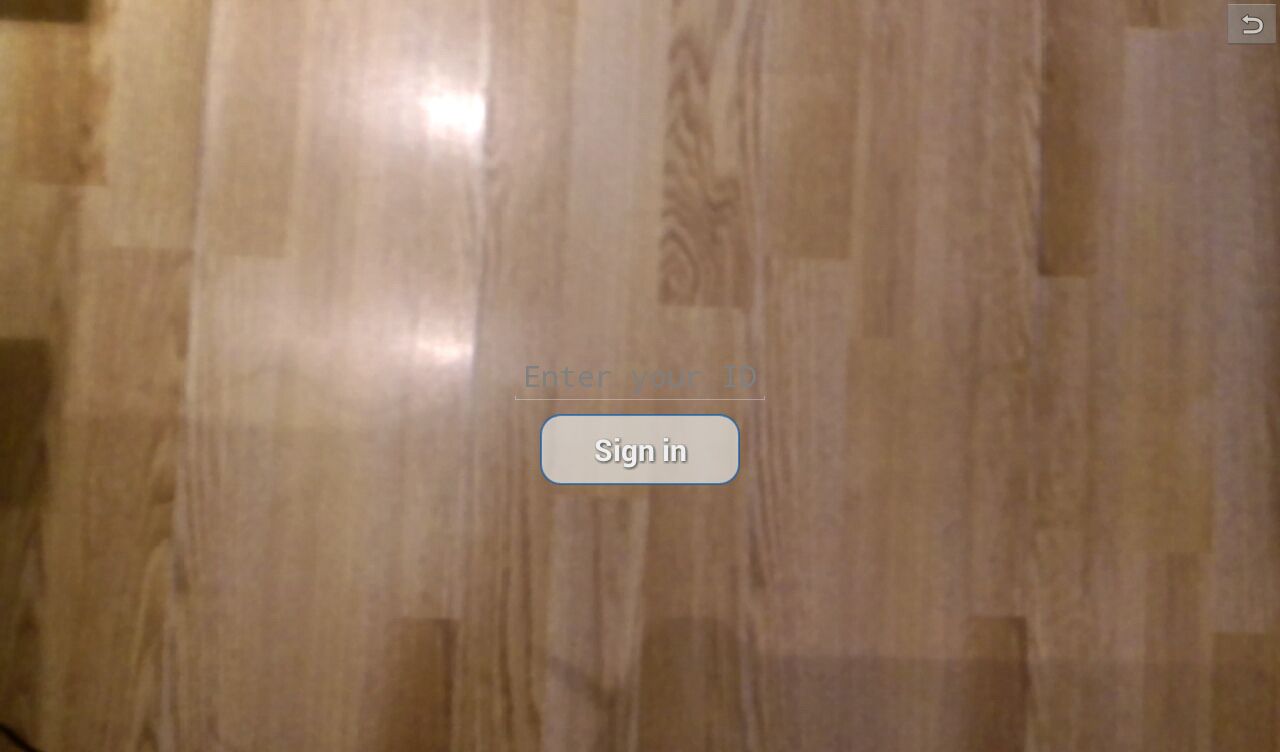
An operator can sign into the system by either using its personal QR-code or by manually inputting its ID.
A "Visitor" is a special kind of operator which does not need any authentication code to sign into the system.
 |
 |
| QR-code authentication |
Manual authentication |
Hospital selection
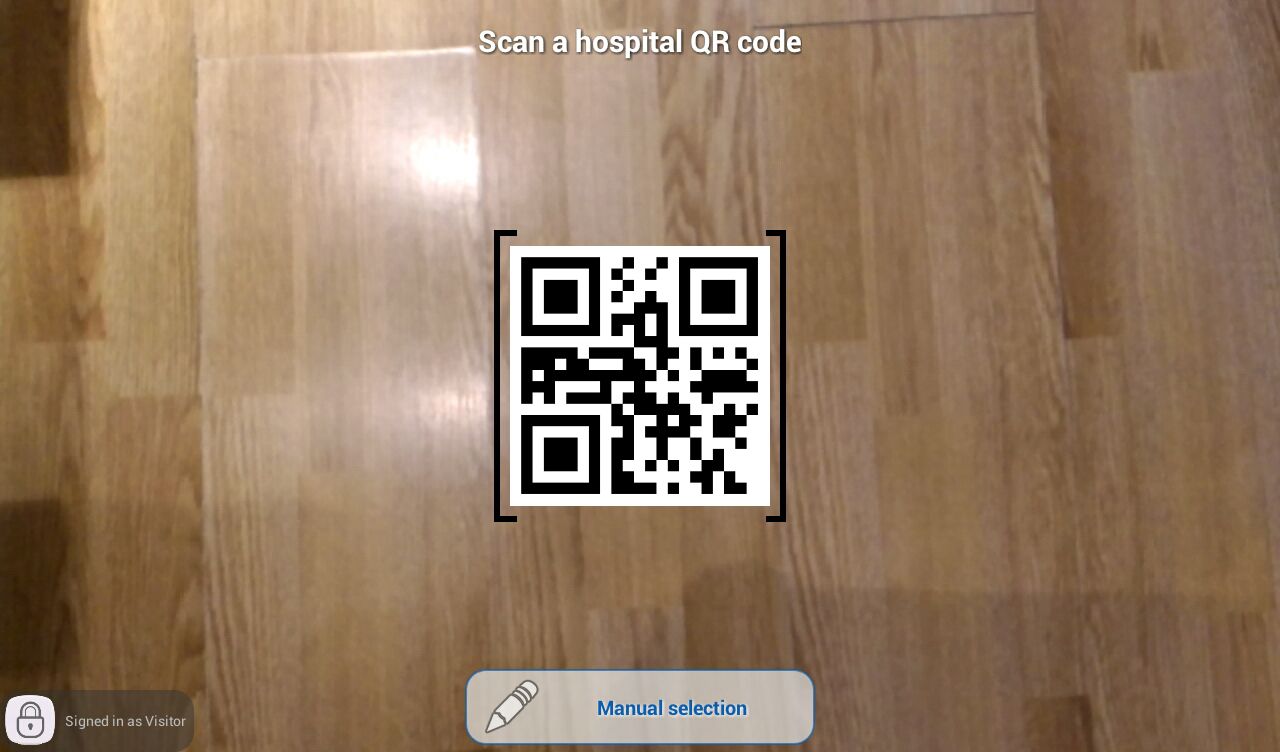
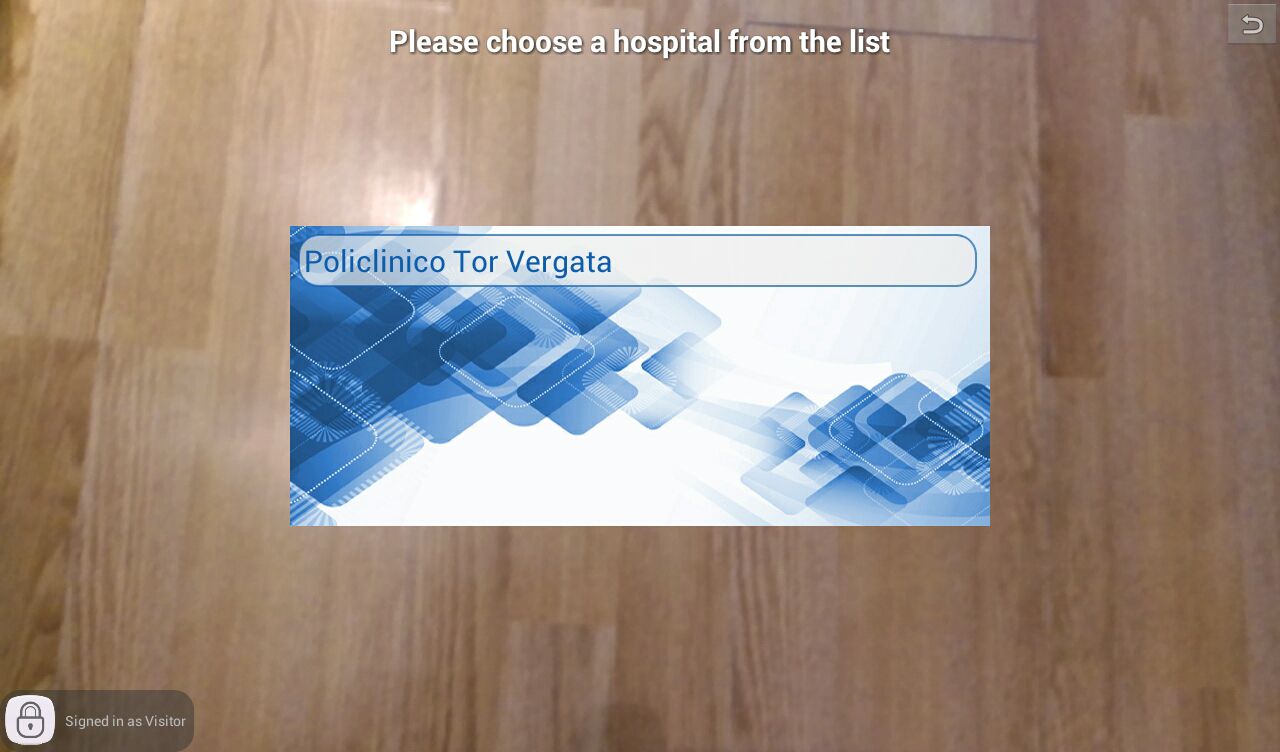
Once logged in, the operator can either manually select a hospital or scan its related QR-code.
IMPORTANT: if the operator can only sign into one hospital, he will be automatically redirected to the department's selection.
 |
 |
| QR-code selection |
Manual selection |
- Sign out button: once the operator is logged in, he/she can sign out from the application by pressing the button.
Department selection
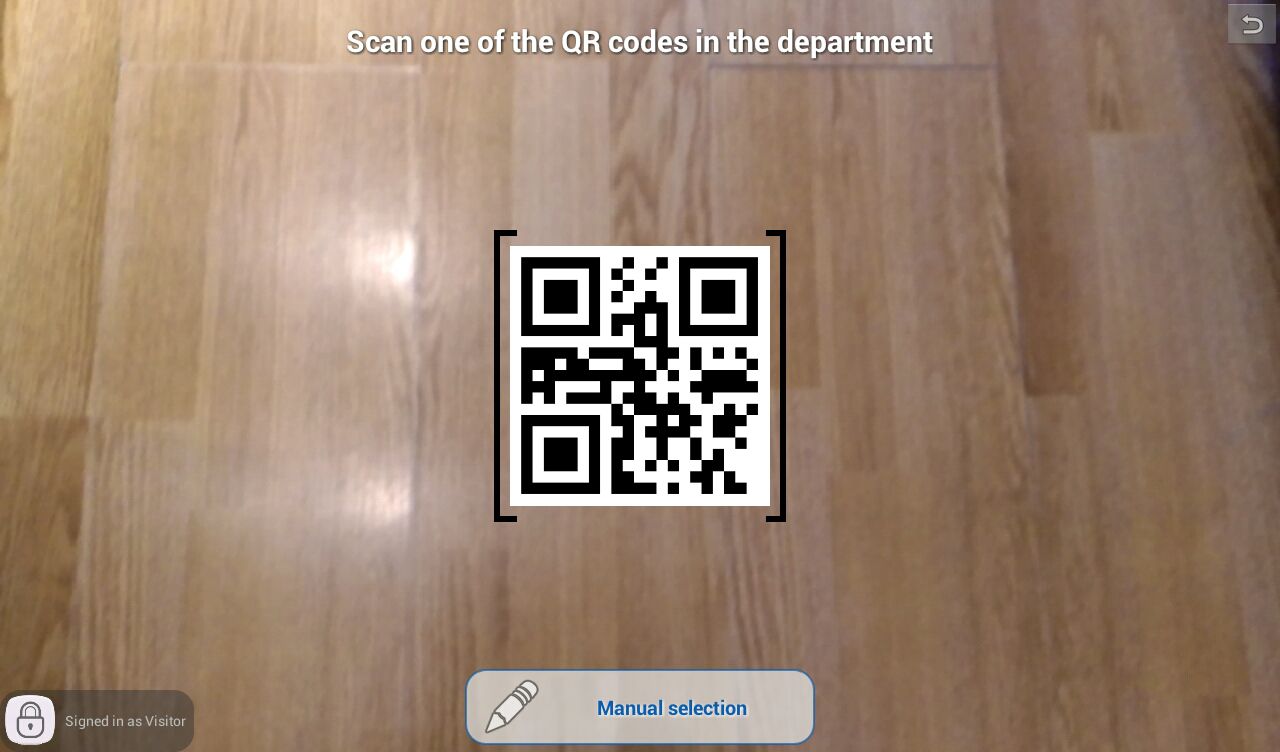
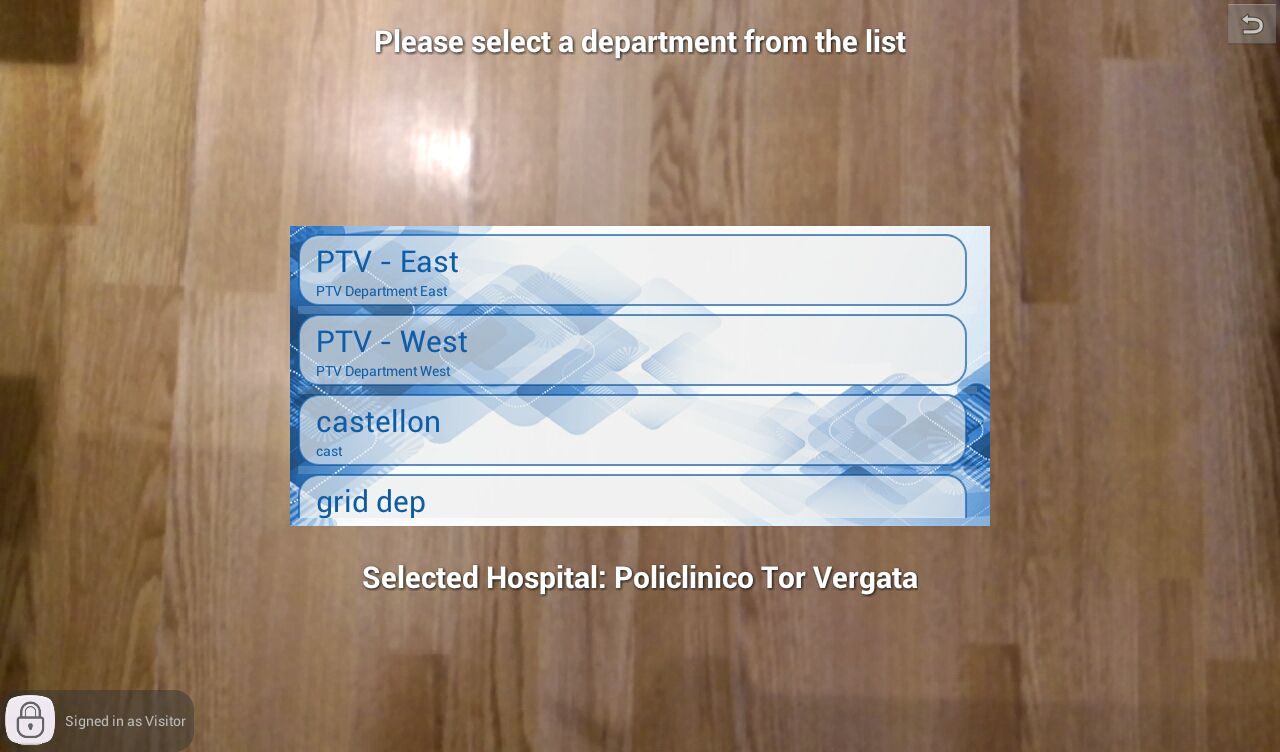
When the operator is identified in a hospital, he can either manually select a department or scan its related QR-code.
 |
 |
| QR-code selection |
Manual selection |
TAG Content visualization
 |
 |
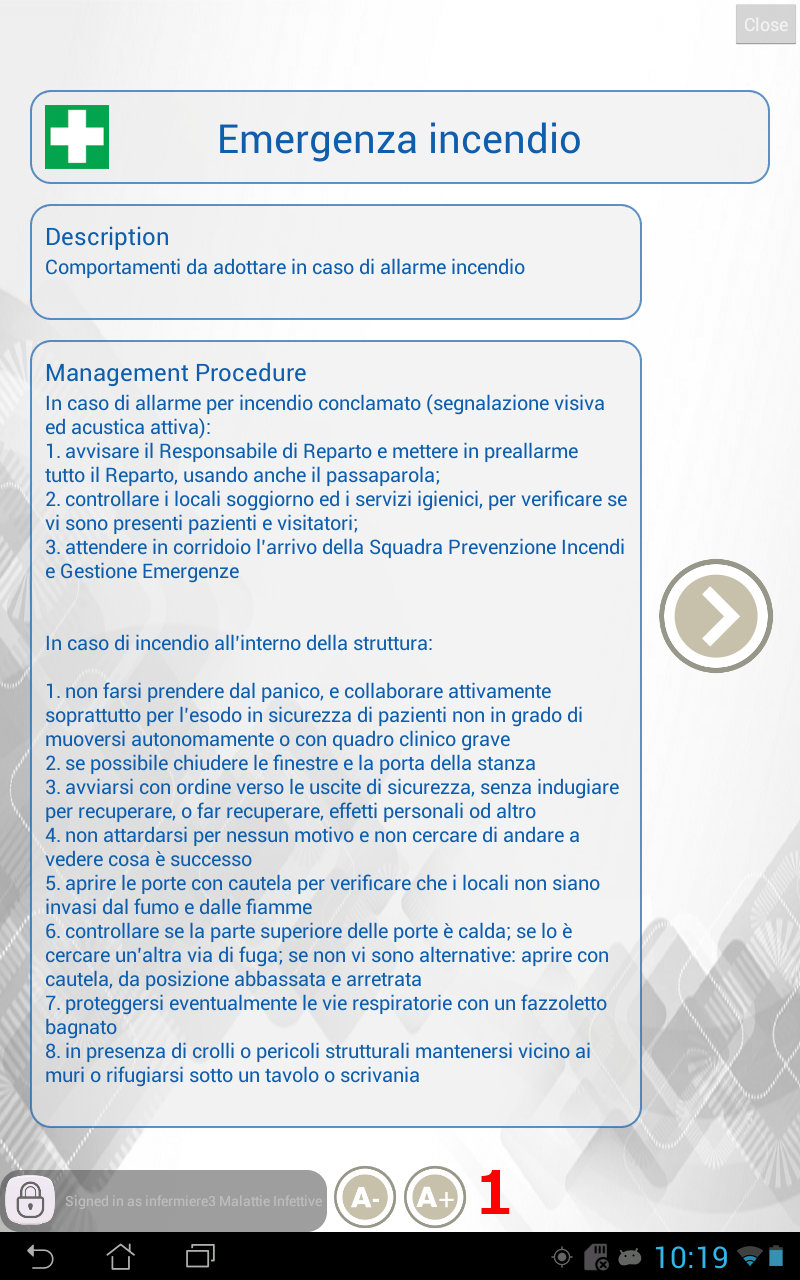
| TAG Content Panel - Main description |
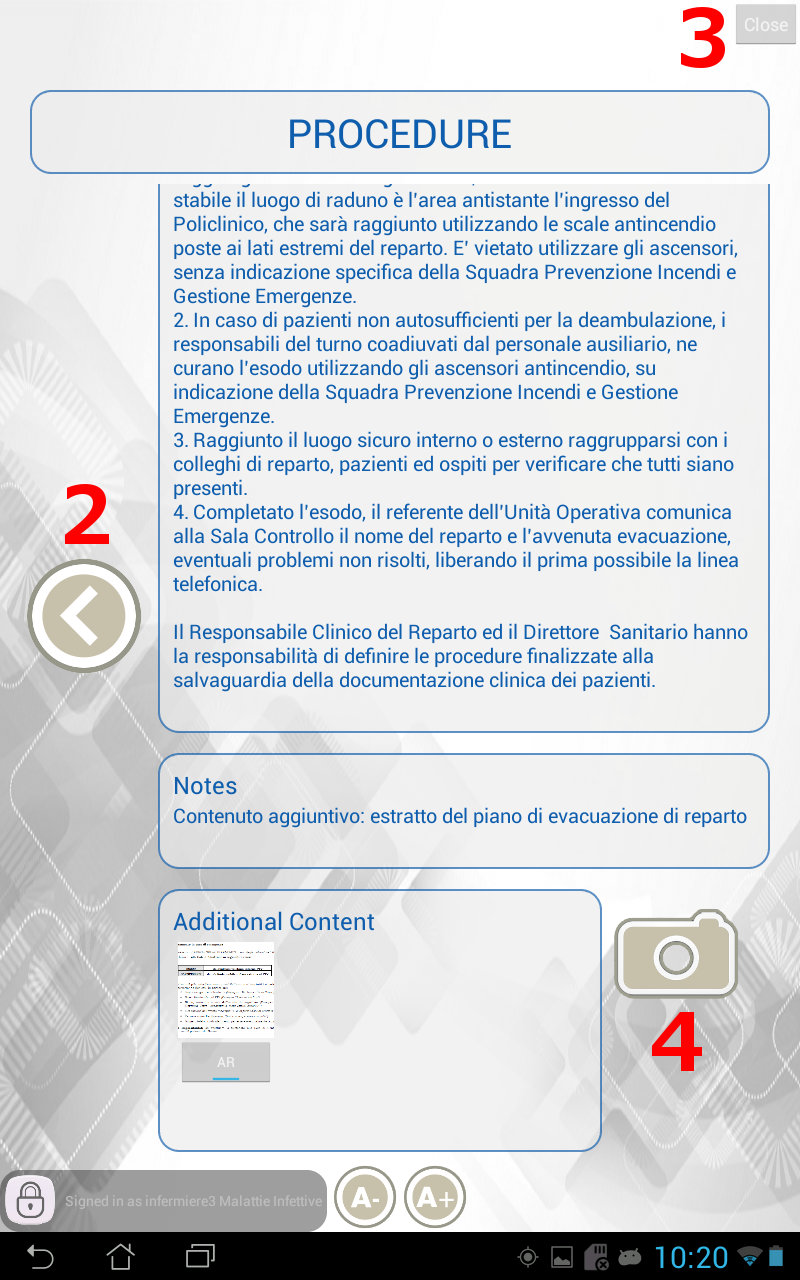
TAG Content Panel - Detailed description |
- Font size adjustment: press these buttons to increase/decrease the font size.
- Return to main description: press this button to return to the main description.
- Close panel: this button will close the content panel.
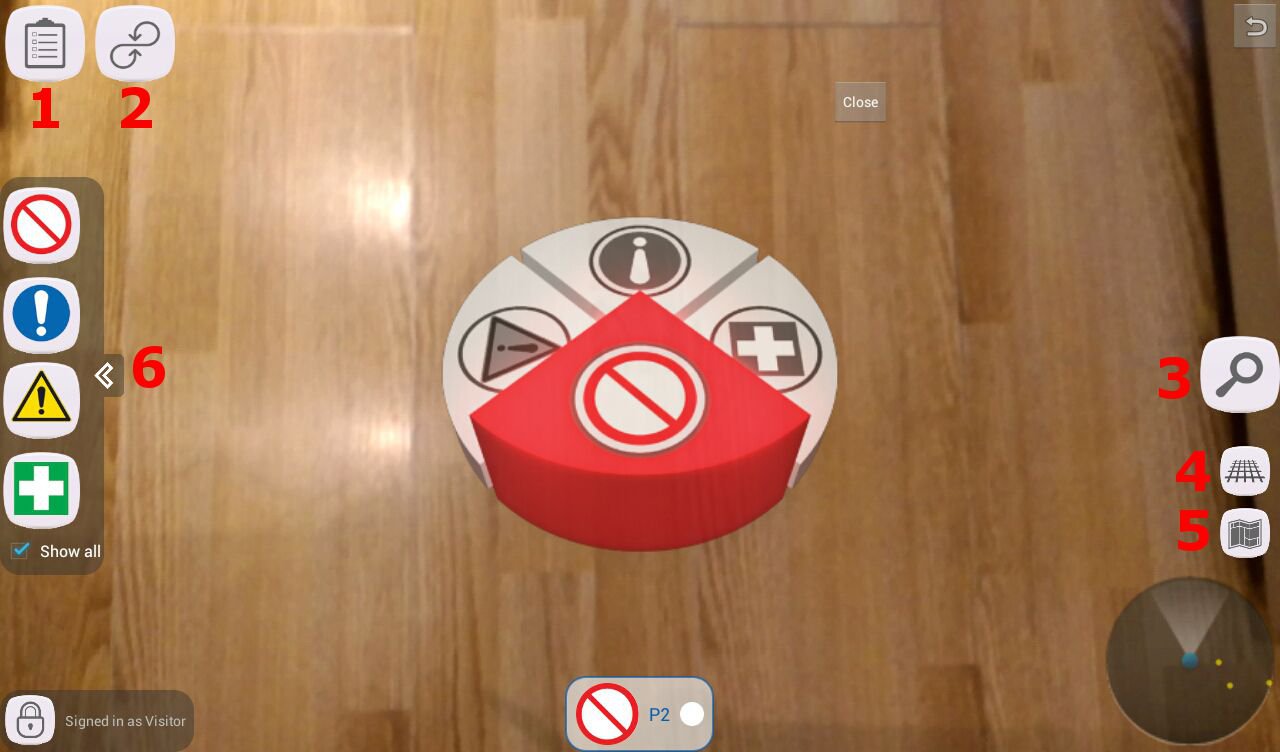
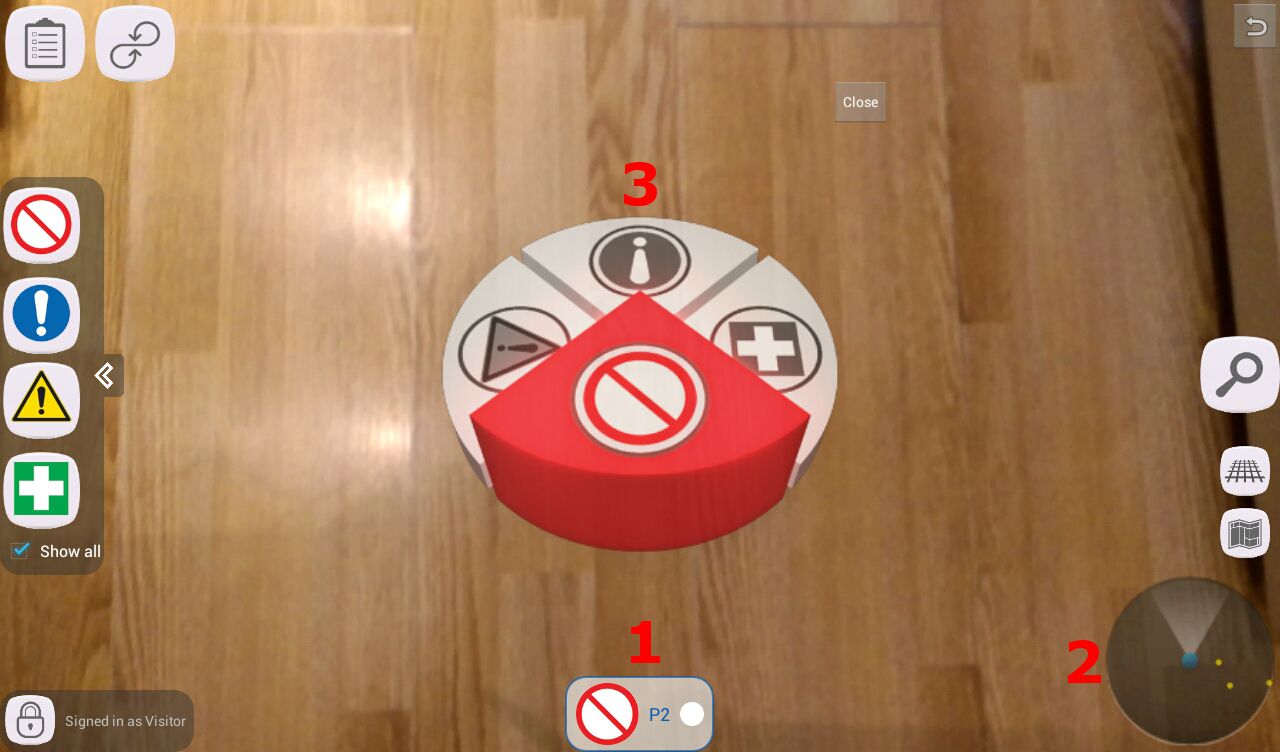
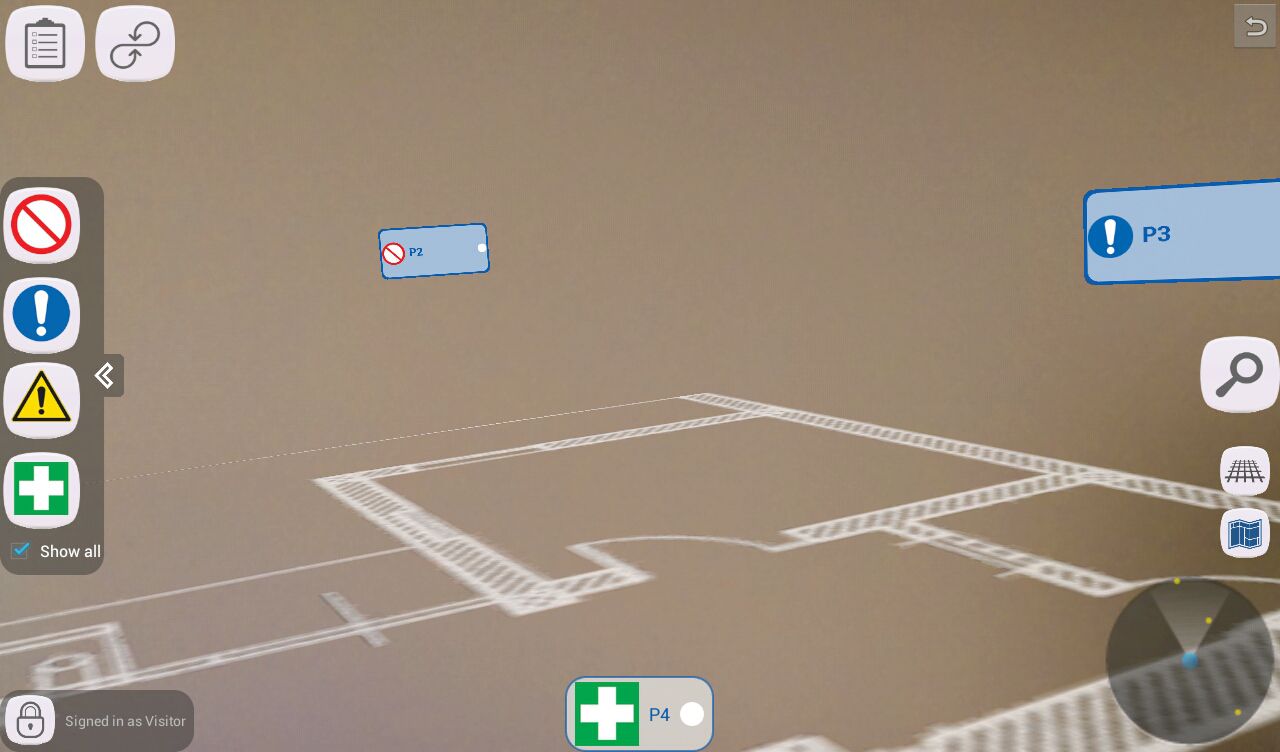
- Start AR visualization:press the button to display additional contents in Augmented Reality (AR) by pointing the device to the printed target.
 |
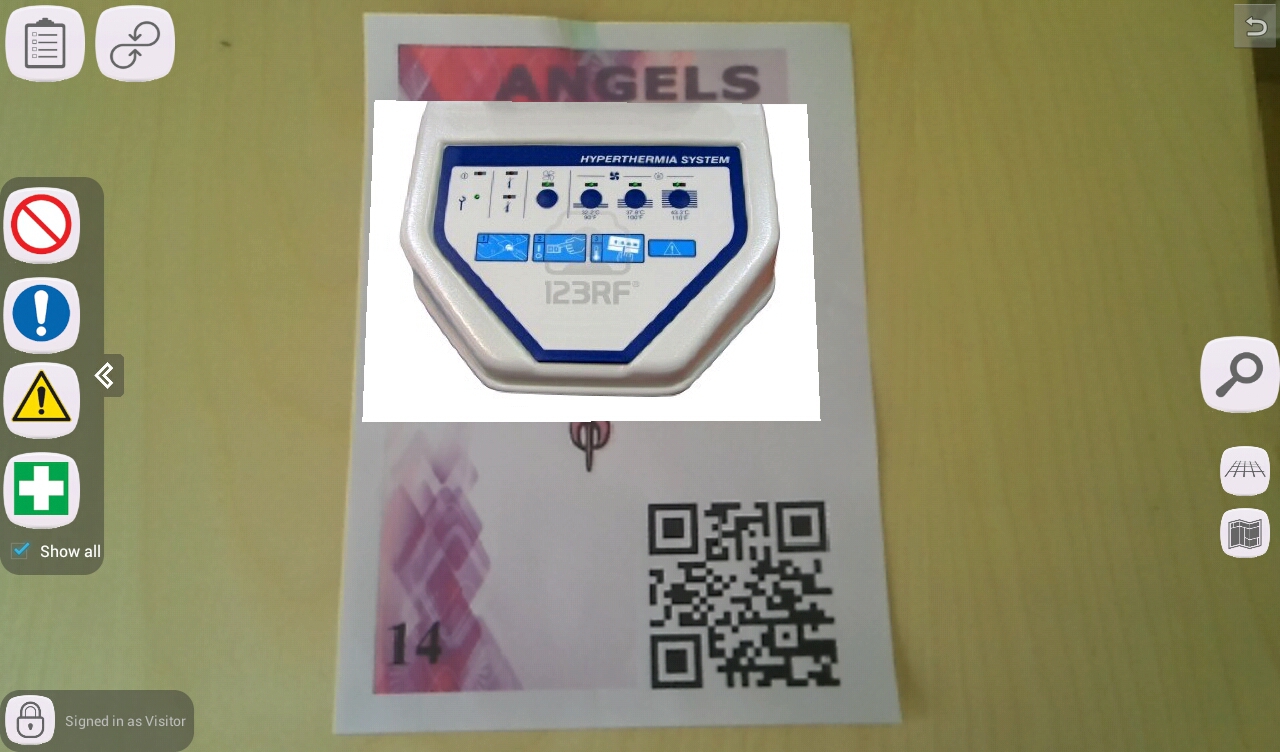 |
| TAG printed target |
Sample AR visualization |
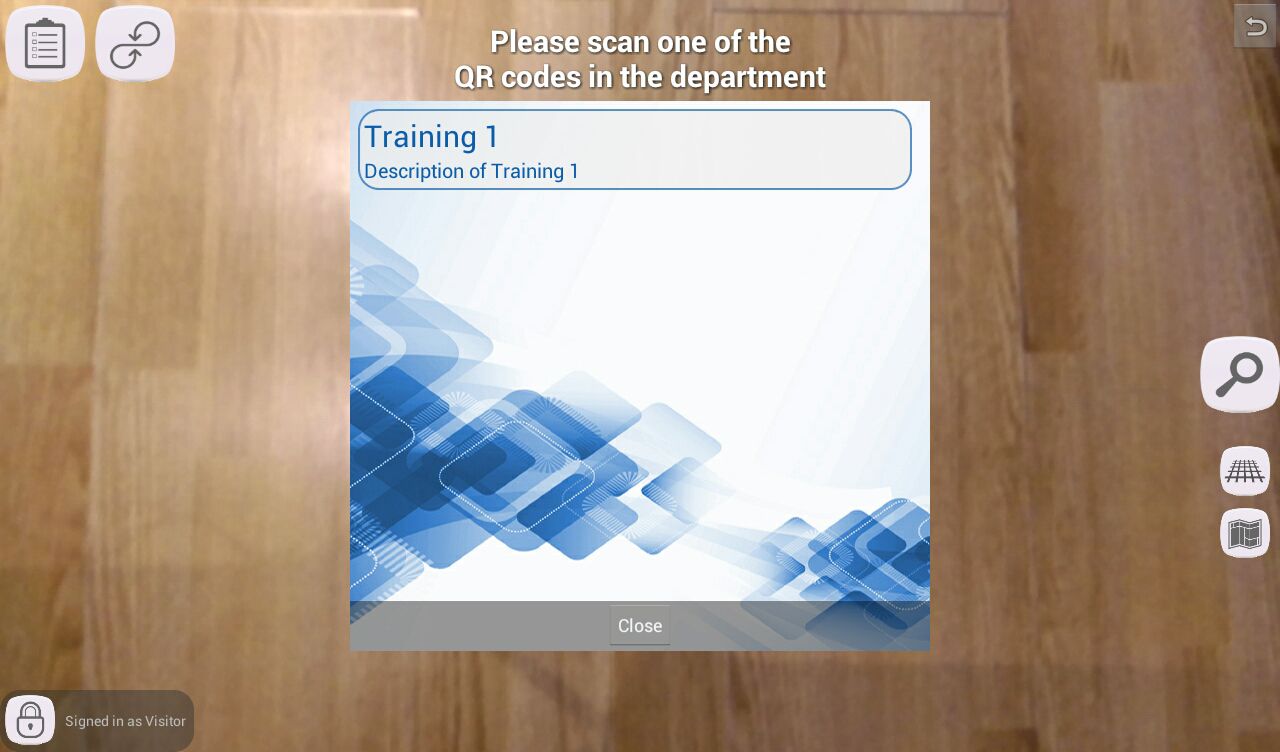
Training
 |
 |
| Training selection |
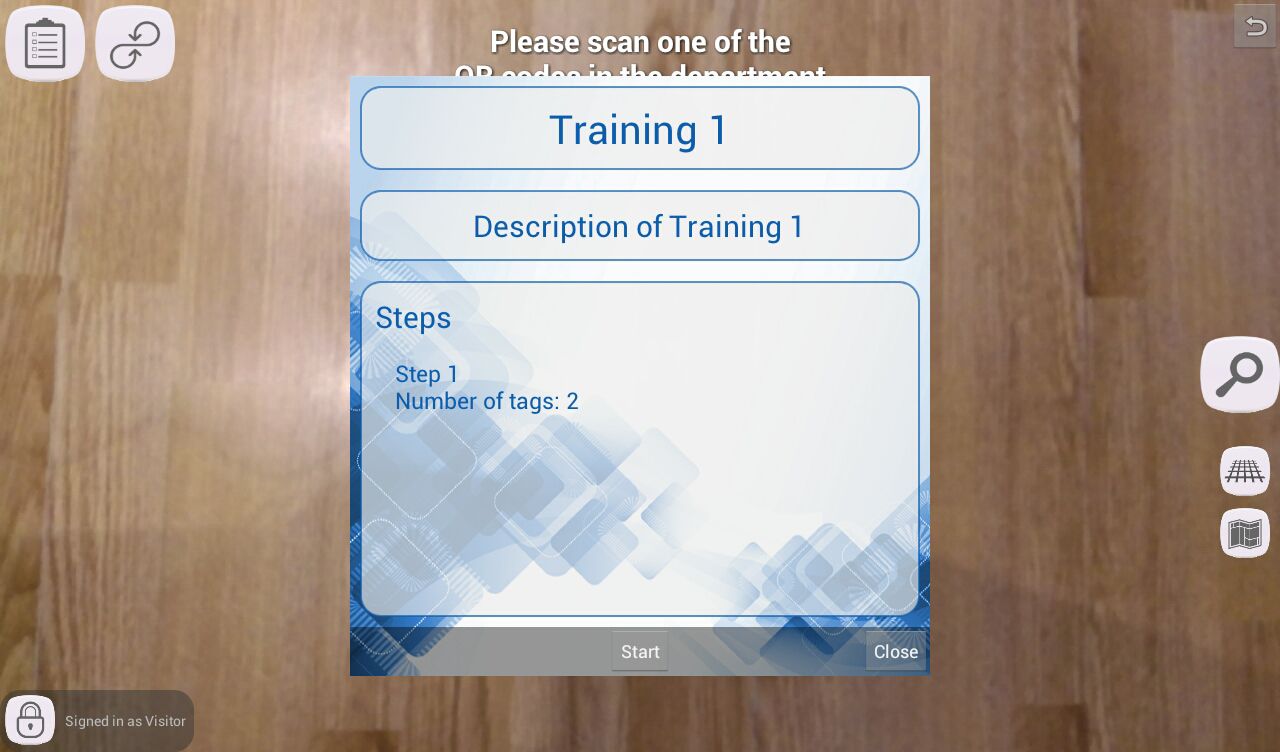
Training summary |
- Start training: press the button to start the selected training.
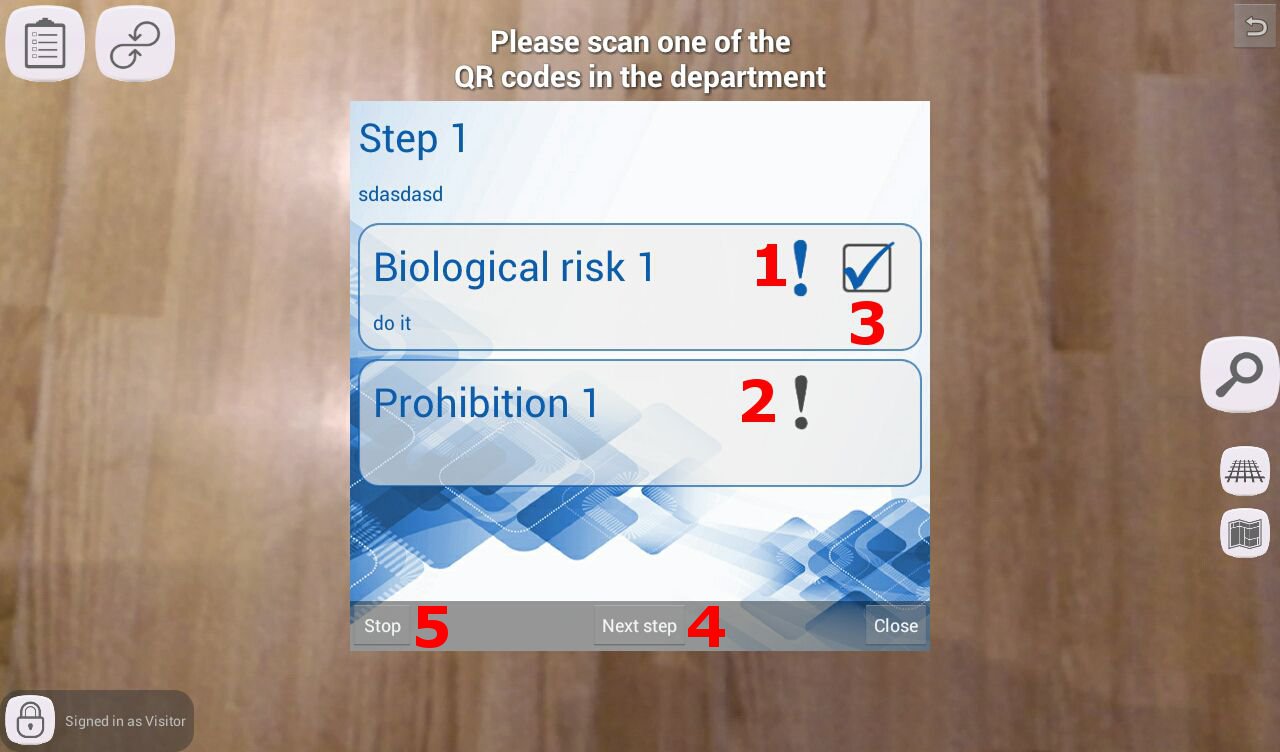
- Necessary action: the exclamation point image means that this TAG must be analyzed by the operator in order to complete the step.
- Optional action: when greyed-out, it means that this TAG's analysis is not necessary to complete the step.
- Completed action: when a TAG has been analyzed by the operator, a chek image will appear.
- Go to next training step: after the operator has completed all necessary actions, he/she can advance to the next step.
If the last step has been completed, then pressing this button will end the training.
- Stop training: press this button to abort the training.
For any inquiries or issues, please contact the system administrator.